
Reasonate
Designing Reasonate – A Figma Plugin for Documenting Design Decisions
At BrightHR, our UX team struggled to keep track of design decisions. Documentation was inconsistent, scattered across tools (Figma comments, Slack, Notion), and often hard to find later. This led to repeated conversations, lost rationale, and difficulty onboarding new team members.
The goal was to create a lightweight, accessible, and collaborative way for designers and non-designers to record, find, and learn from past design decisions, ideally without adding another separate tool to our already crowded workflows.
Challenge
Multiple documentation methods meant that there was no single source of truth. Processes varied from person to person, making it hard to maintain records consistently. Time constraints often meant documentation was skipped entirely, and non-designers had limited visibility or ability to contribute.
Problem Statement:
How might we create a simple and effective documentation method that fits seamlessly into our workflow, helps us track key decisions, ensures easy retrieval, and allows non-designers to contribute effortlessly?

Research and Co-Design Process
I approached the problem in three stages.
The first stage was a team survey to gather a baseline understanding of how we were currently documenting decisions, the pain points we faced, and what features we wanted in an improved system. The results revealed a strong need for a centralised, easy-to-use tool that allowed for quick logging and reliable retrieval.
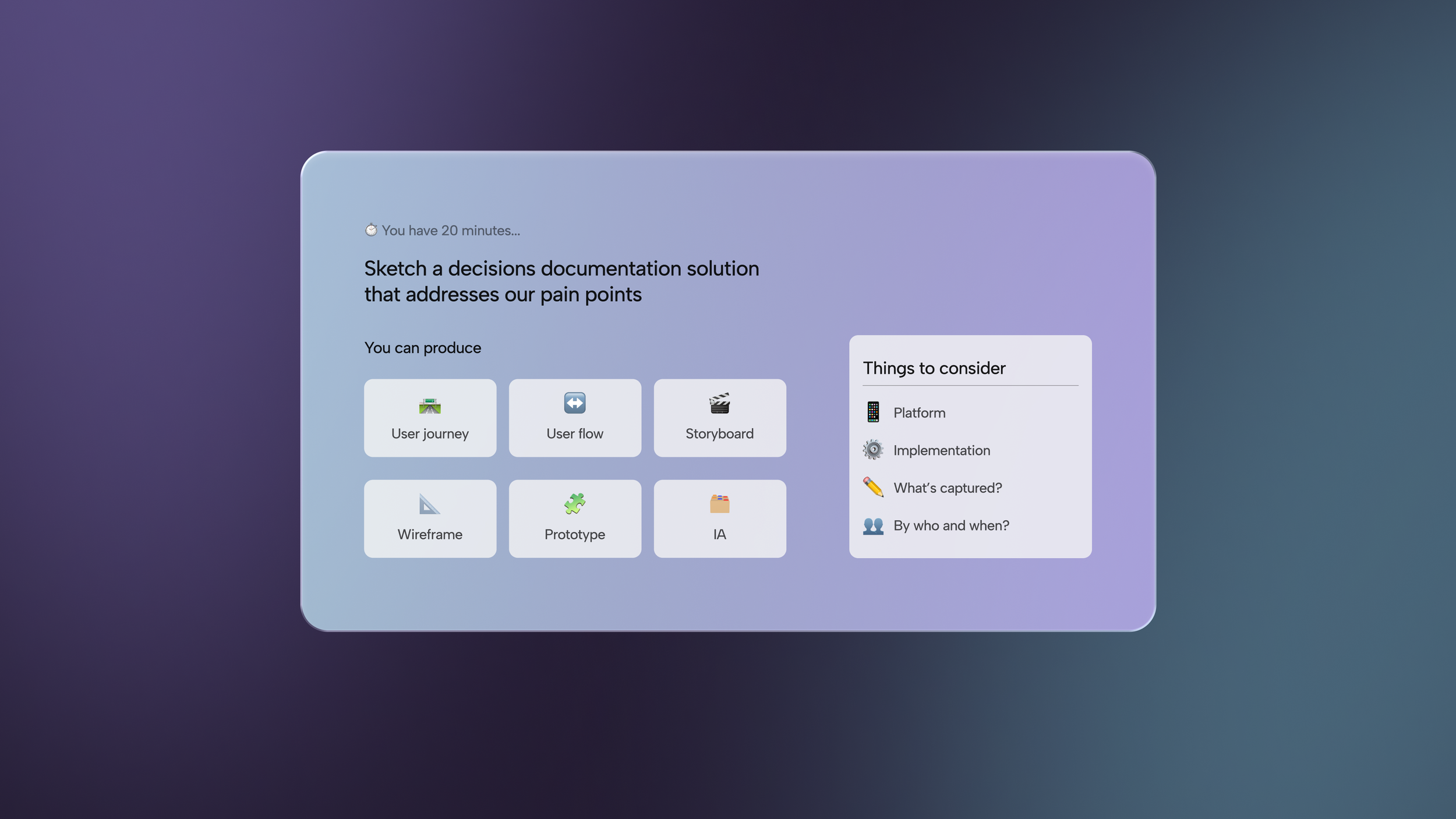
Next came a co-design workshop during our UX Guild Day. We began by sharing “documentation horror stories” to surface frustrations and patterns, followed by lightning demos of good documentation practices from other industries. Teams then rapidly sketched and prototyped their ideas for how documentation could work better inside Figma. The outputs ranged from user flows to interface concepts. By the end I had two solutions to test.
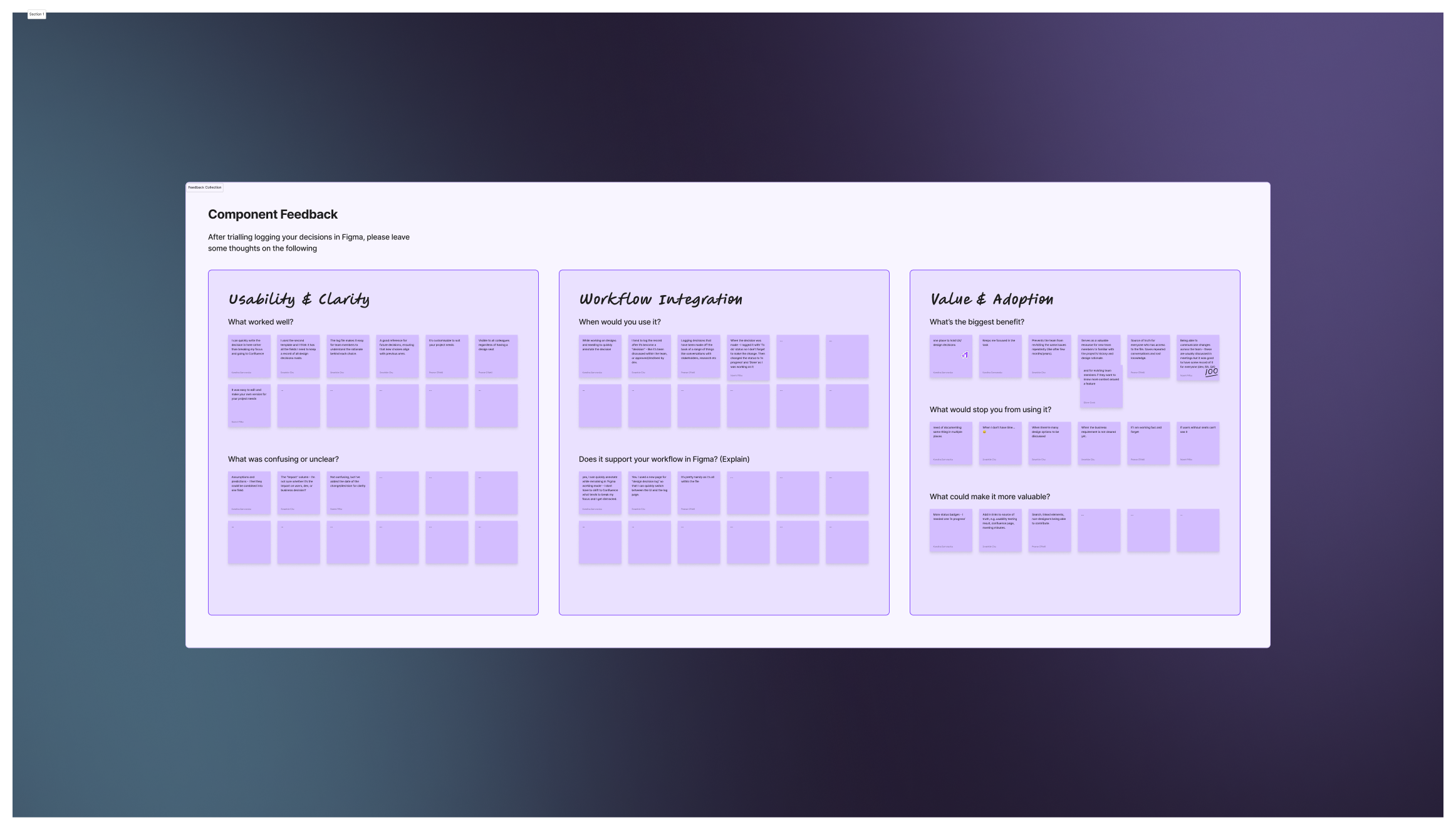
The team tested two solutions in their regular workflow:
A Figma Component for manual decision logging
A Figma Plugin for richer, structured tracking
By the time the feedback workshop came around, I had real usage data to draw from. Each team brought insights on what worked well, what created friction, and what needed to be improved. This meant our final decision was evidence-based rather than theoretical. After reviewing both solutions and discussing trade-offs, we chose to move forward with the plugin approach.
Harnessing AI
I worked closely with AI coding tools like v0 and front-end developers to accelerate the development of the chosen solution, turning the concept into a functioning Figma plugin, now known as Reasonate. AI-assisted development meant I could go from a rough concept to a working prototype in days instead of weeks, allowing the team to start using and iterating on it quickly.
Solution: Reasonate
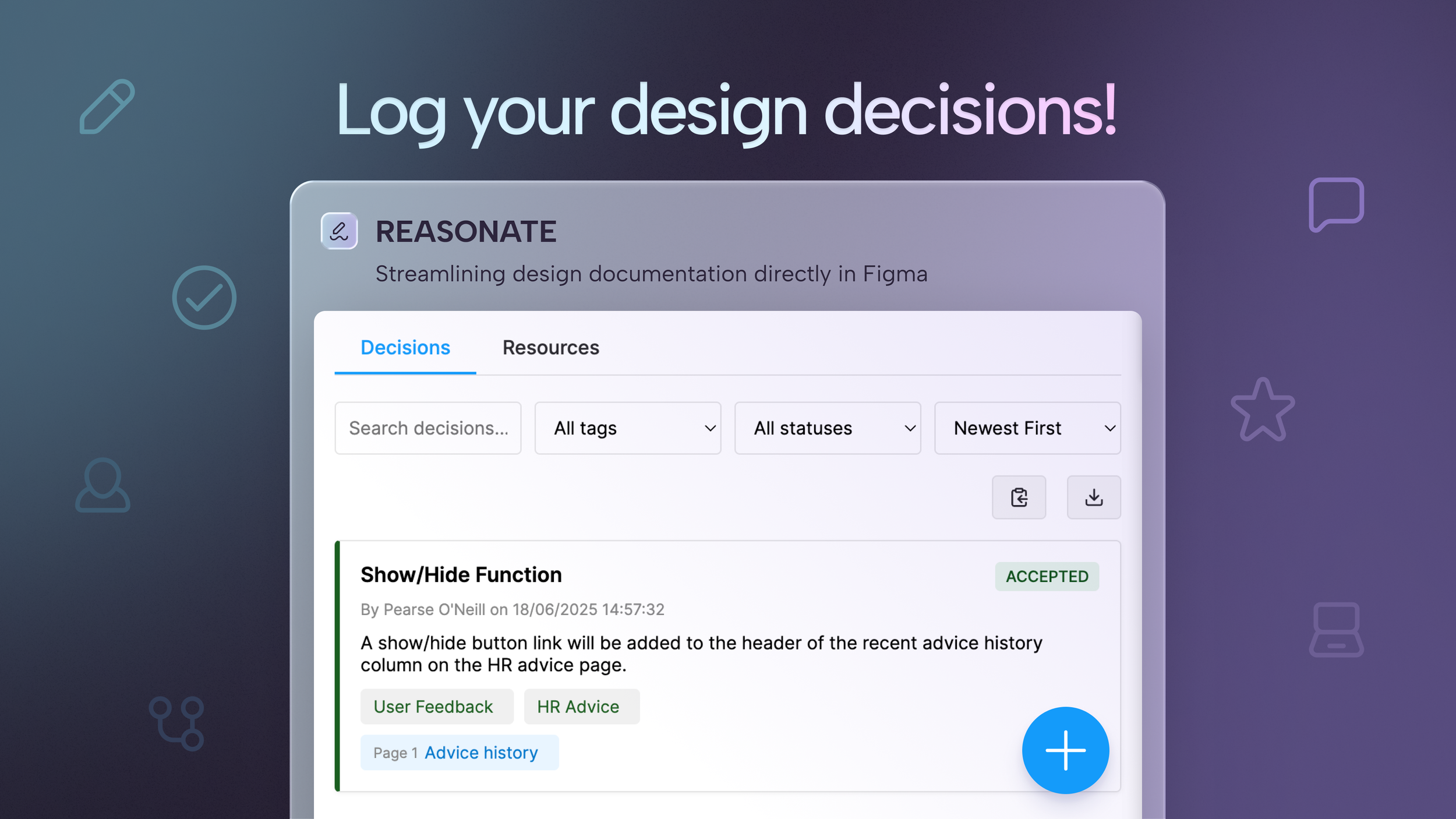
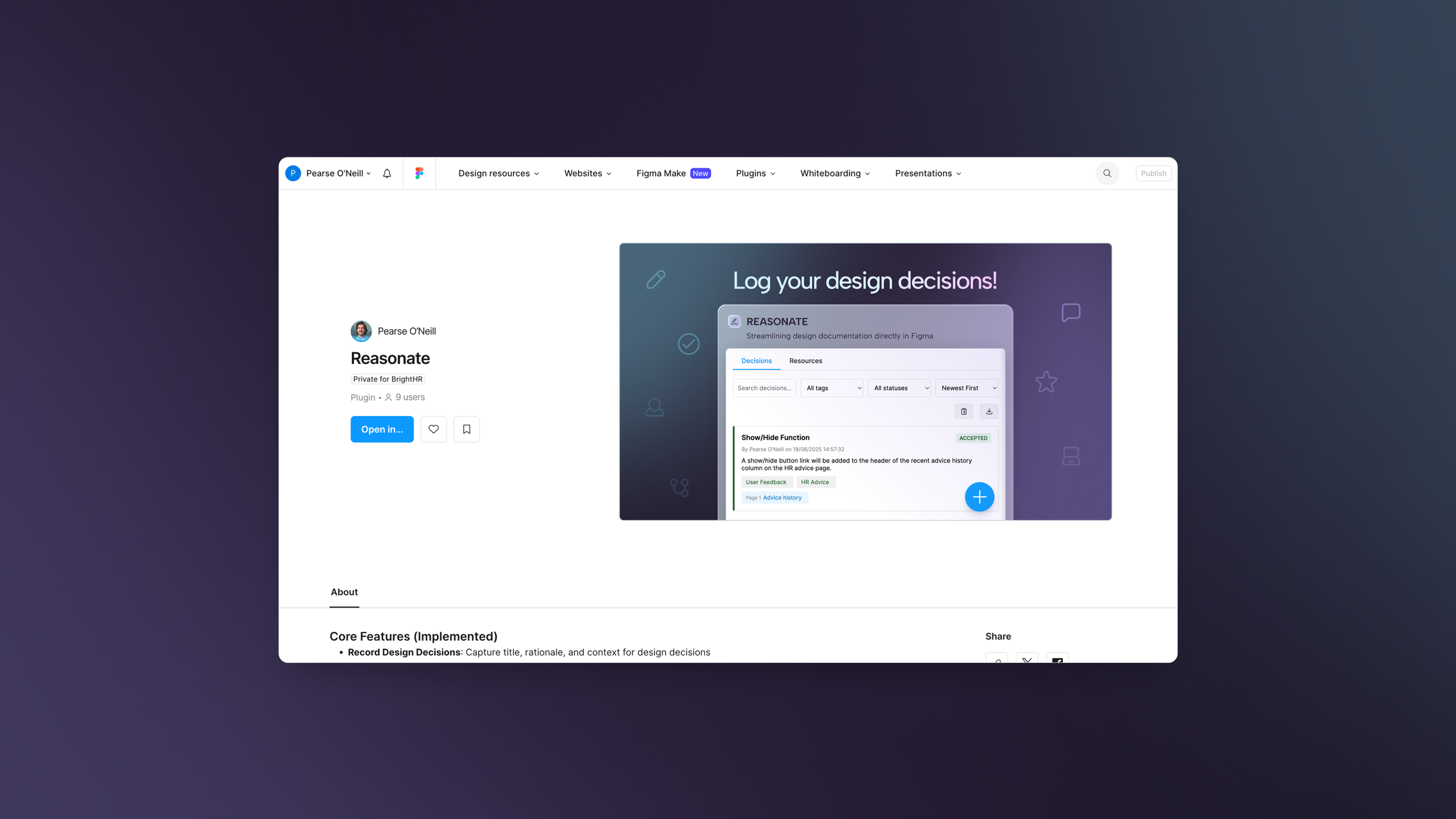
Reasonate is a private Figma plugin for Bright HR that allows the team to:
Record the title, rationale, and context of decisions
Automatically track timestamp and author
View a chronological decision history
Link to related artifacts like Jira tickets or research docs
Document pros and cons for each option
Categorise and tag decisions
Edit or delete entries
Export to Markdown for sharing
Search and filter by keyword, tag, or status
Planned features include a visual timeline view, export to Confluence, and Slack/Teams notifications when new decisions are logged.
Impact
Reasonate has centralised decision documentation inside Figma, giving both designers and non-designers greater visibility into design rationale. The result is fewer repeated conversations, less lost context, and more consistent design outcomes.